
How to turn a TikTok (9:16) into a YouTube video (16:9) without cropping
Updated · AI Video Expand
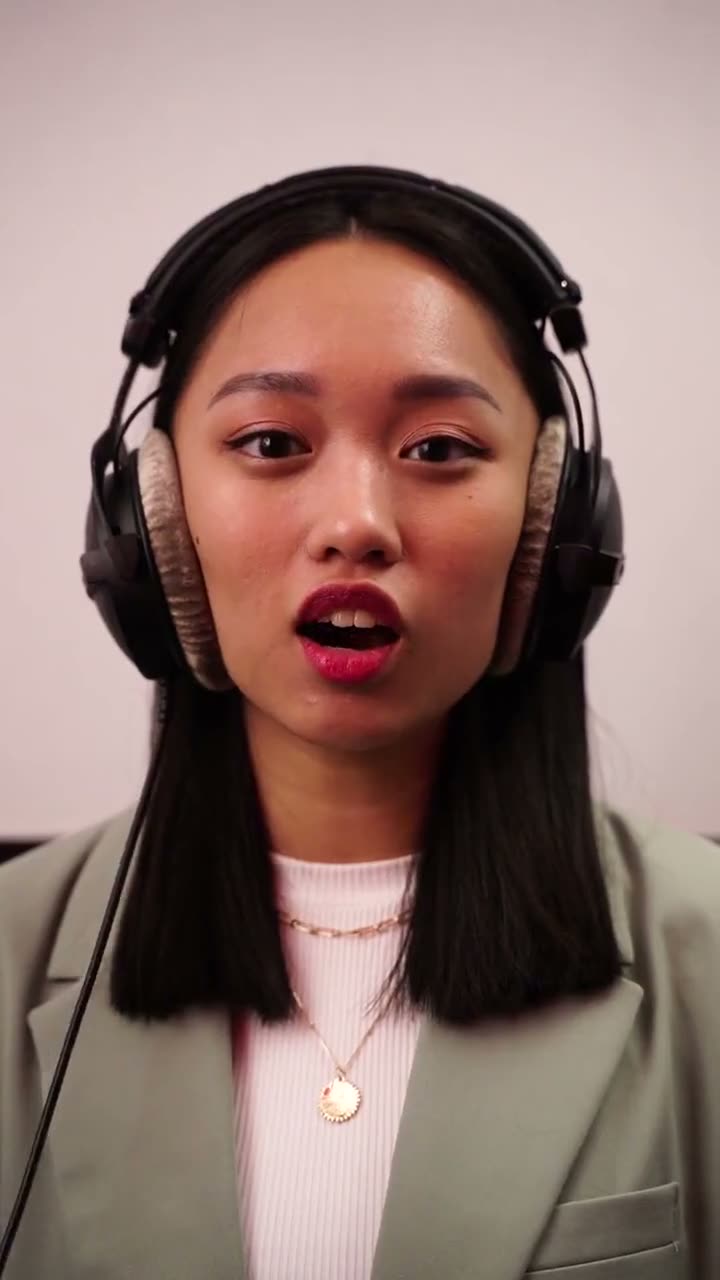
Expand the clip to 16:9 with AI outpainting: your TikTok stays as it is in the middle and new picture is generated on both sides, so YouTube shows it full-screen instead of between black bars. AI Video Expand takes clips up to 60 seconds, from $4.99, keeps the original sound and adds no watermark. Download the TikTok without its watermark first if you can (your own drafts or the original camera file are best).
Step by step
- Upload the clip on the home page: MP4 or MOV, up to 60 seconds and 95 MB, no sign-in needed. Trim a longer video to the part you need first.
- Pick the shape you need (16:9, 9:16, 1:1, 4:5, 5:4) and 720p or 1080p. The price goes by the clip's length and shows before you pay.
- Pay for just that clip: 720p: $4.99 for up to 10 seconds, $9.99 up to 20, $29.99 for a full minute; 1080p costs twice that. One payment per clip, no subscription; or credit packs from $12.99.
- Wait about 1 to 3 minutes. The expanded MP4 shows up in My videos, with your clip's own sound and no watermark.
- Download it (on iPhone, Save to Photos) and upload it where you need it.
Before you upload
- Use the original file from your phone, not a screen recording: on-screen text, captions and the TikTok watermark get continued into the new area.
- Longer than 60 seconds? Trim it to the part you need, or split it into parts and expand each.
Going the other way
For a widescreen clip that should fill a phone, pick 9:16 instead: the AI adds picture above and below rather than cutting the sides off.
Related
- AI Video Expand
- How to turn a vertical video into horizontal without black bars or blur
- How to remove black bars from a video by generating the missing picture
- How to make a horizontal video vertical (9:16) without cropping people out
- Can you expand a video with AI for free?
- AI video expanders compared
- Can ChatGPT expand a video or change its aspect ratio?
- Video expander or video extender: wider picture or a longer video?
- AI video expand not working? Fixes