
How to turn a vertical video into horizontal without black bars or blur
Updated · AI Video Expand
Use AI video outpainting: it keeps your vertical clip as it is in the middle and generates the missing picture on the left and right, frame by frame, so the result is a full 16:9 video. On AI Video Expand you upload the clip (MP4 or MOV, up to 60 seconds), pick 16:9 and pay $4.99 for up to 10 seconds at 720p; the MP4 with your original sound is ready in about 1 to 3 minutes.
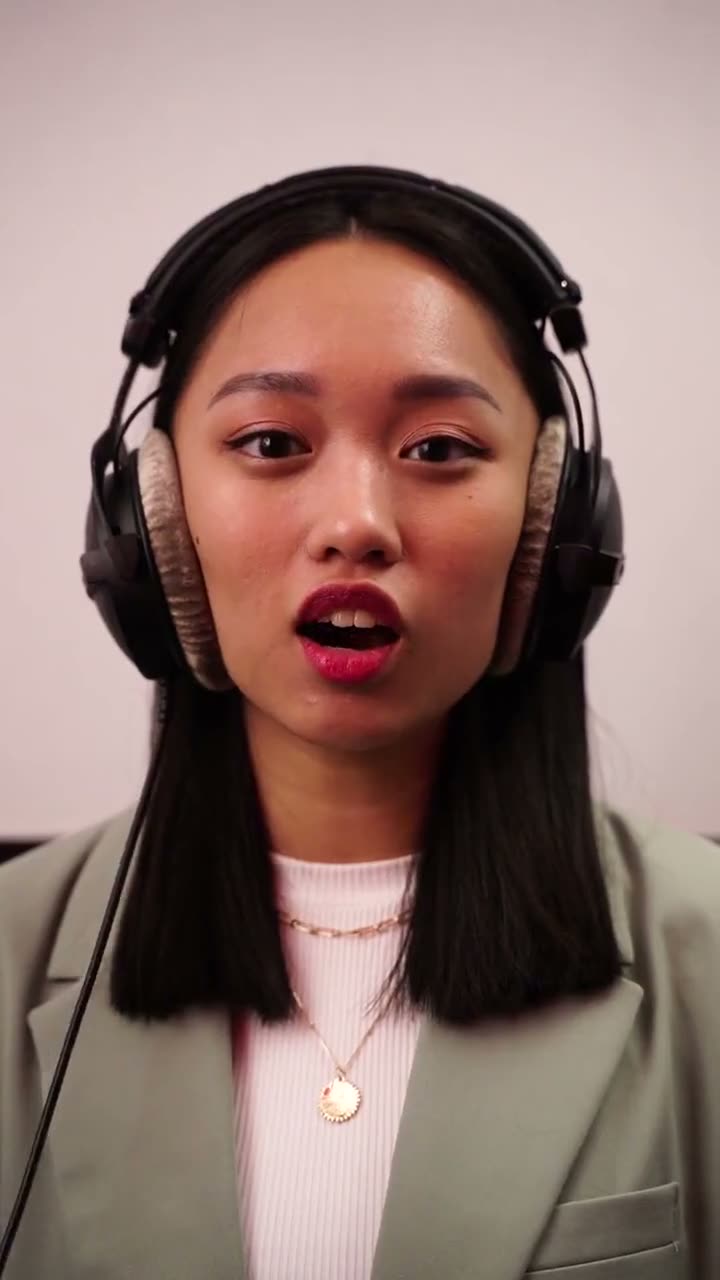
Step by step
- Upload the clip on the home page: MP4 or MOV, up to 60 seconds and 95 MB, no sign-in needed. Trim a longer video to the part you need first.
- Pick the shape you need (16:9, 9:16, 1:1, 4:5, 5:4) and 720p or 1080p. The price goes by the clip's length and shows before you pay.
- Pay for just that clip: 720p: $4.99 for up to 10 seconds, $9.99 up to 20, $29.99 for a full minute; 1080p costs twice that. One payment per clip, no subscription; or credit packs from $12.99.
- Wait about 1 to 3 minutes. The expanded MP4 shows up in My videos, with your clip's own sound and no watermark.
- Download it (on iPhone, Save to Photos) and upload it where you need it.
Why not black bars or a blurred copy?
Black bars and the blurred, zoomed copy behind the clip (what CapCut, iMovie and Premiere do by default) leave two thirds of a widescreen empty or smeared. Outpainting fills the same space with picture that matches the room, sky or street and moves with the camera.
What you get
- The same clip as a 16:9 MP4 at 720p or 1080p, with your clip's original sound copied over, nothing added, no watermark.
- The AI keeps your whole original frame untouched and paints new picture around it on every frame.
- New picture is painted on both sides (or top and bottom)
- The edges follow the camera from frame to frame
Clips that work best
Clips filmed on a steady camera with a simple background expand best. Fast pans, crowds at the very edge of the frame and text that runs off the side are the hardest.
- The AI invents what was outside the frame, so it can't show what really was there: a person cut off at the edge gets a made-up rest of their body, and signs or faces that only appear in the new area are made up too. Fast camera moves and busy edges can shimmer. Up to 60 seconds per clip; trim a longer one to the part you need first.
Related
- AI Video Expand
- How to remove black bars from a video by generating the missing picture
- How to turn a TikTok (9:16) into a YouTube video (16:9) without cropping
- How to make a horizontal video vertical (9:16) without cropping people out
- Can you expand a video with AI for free?
- AI video expanders compared
- Can ChatGPT expand a video or change its aspect ratio?
- Video expander or video extender: wider picture or a longer video?
- AI video expand not working? Fixes